Work your inbox in the Messenger
One inbox for email, SMS, WhatsApp and website chat — how to find a conversation, read its history, reply, and deal with a message that failed.
You’ll need: At least one connected channel — an email sender or a WhatsApp number.
The Messenger puts every conversation in one place, whatever channel it arrived on. Email, SMS, WhatsApp and website chat sit in the same list, and a person who emailed you last month and messaged you on WhatsApp this morning is one thread, not two.
CRMMessenger
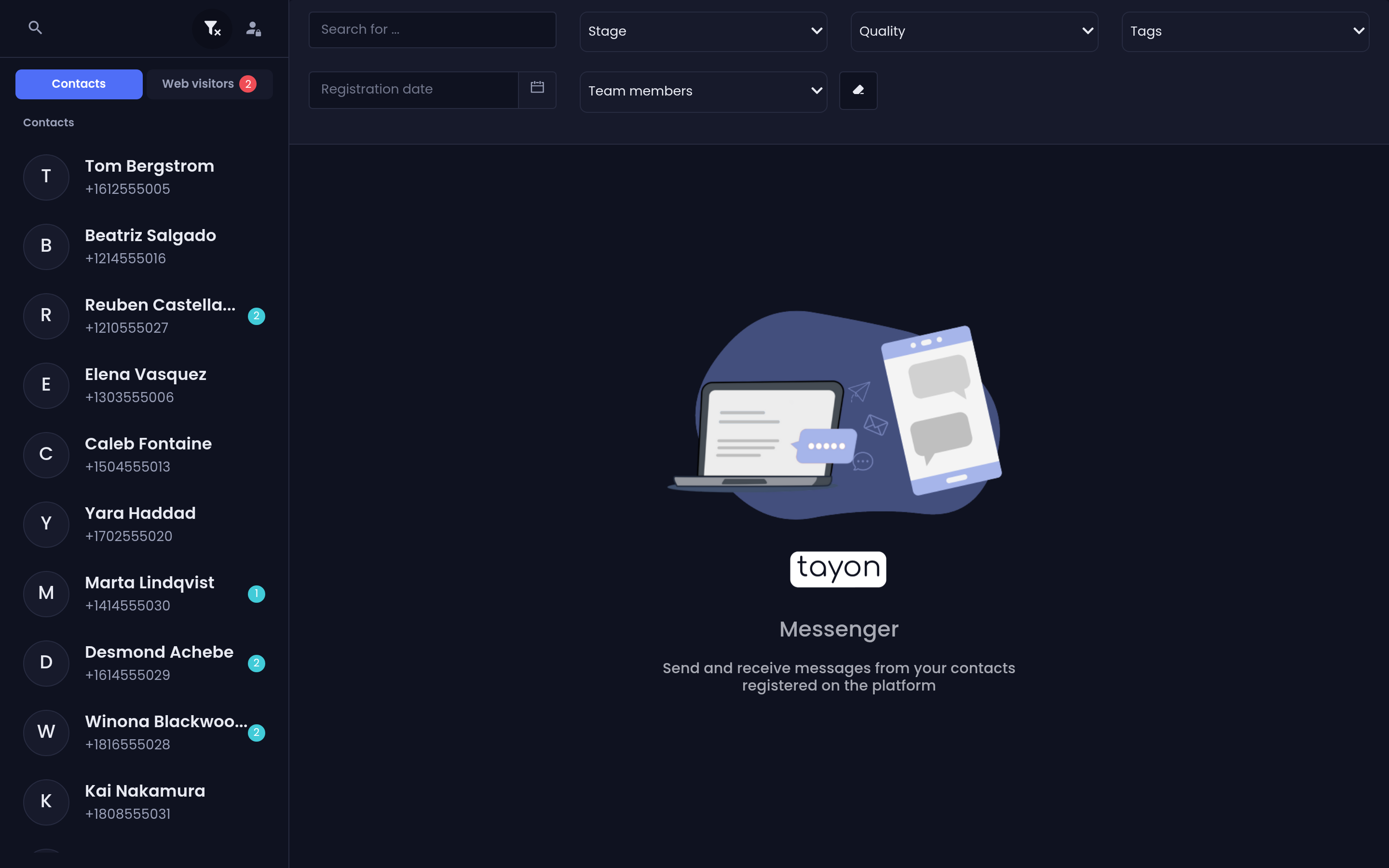
#The two lists
The left panel has two tabs.
Contacts holds conversations with people who exist as leads in your CRM. That is most of them.
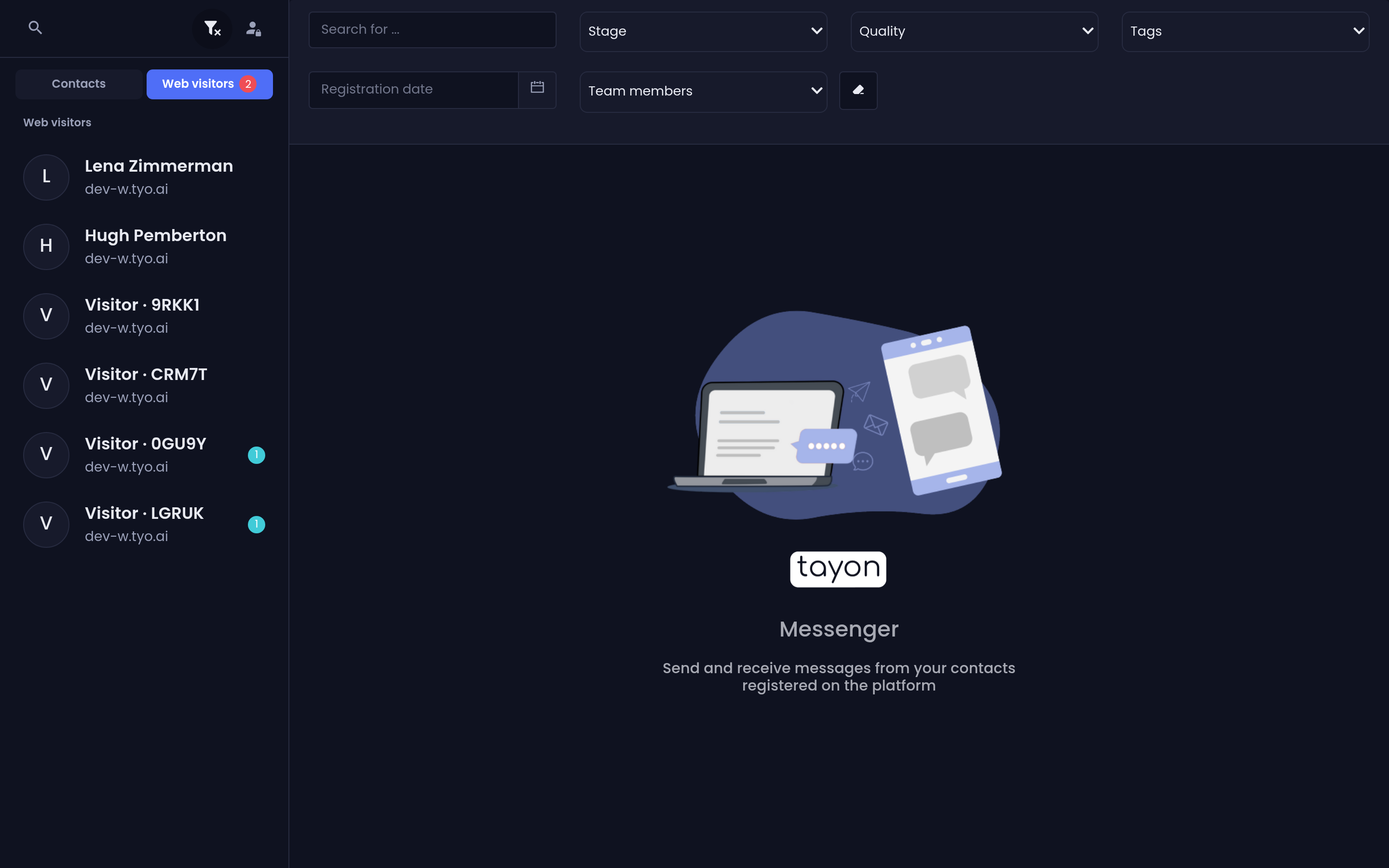
Web visitors holds chats from the widget on your website. A visitor is anonymous until something in the conversation captures their details, so they have no lead record and appear here instead. A red count on the tab is the number of unread visitor chats.
A conversation still in progress on your site carries a LIVE badge.
#Finding a conversation
The magnifier at the top of the list opens a search box that searches your conversations.
The filter button opens the same filters you know from the Leads list — search, Stage, Quality, tags, Team members and a date range — so you can narrow the inbox to, say, everyone in negotiation with a Hot Lead tag.
The person-with-a-lock button switches the list to Blocked Contacts. Each blocked entry there has an Unblock Contact control.
#Reading a thread
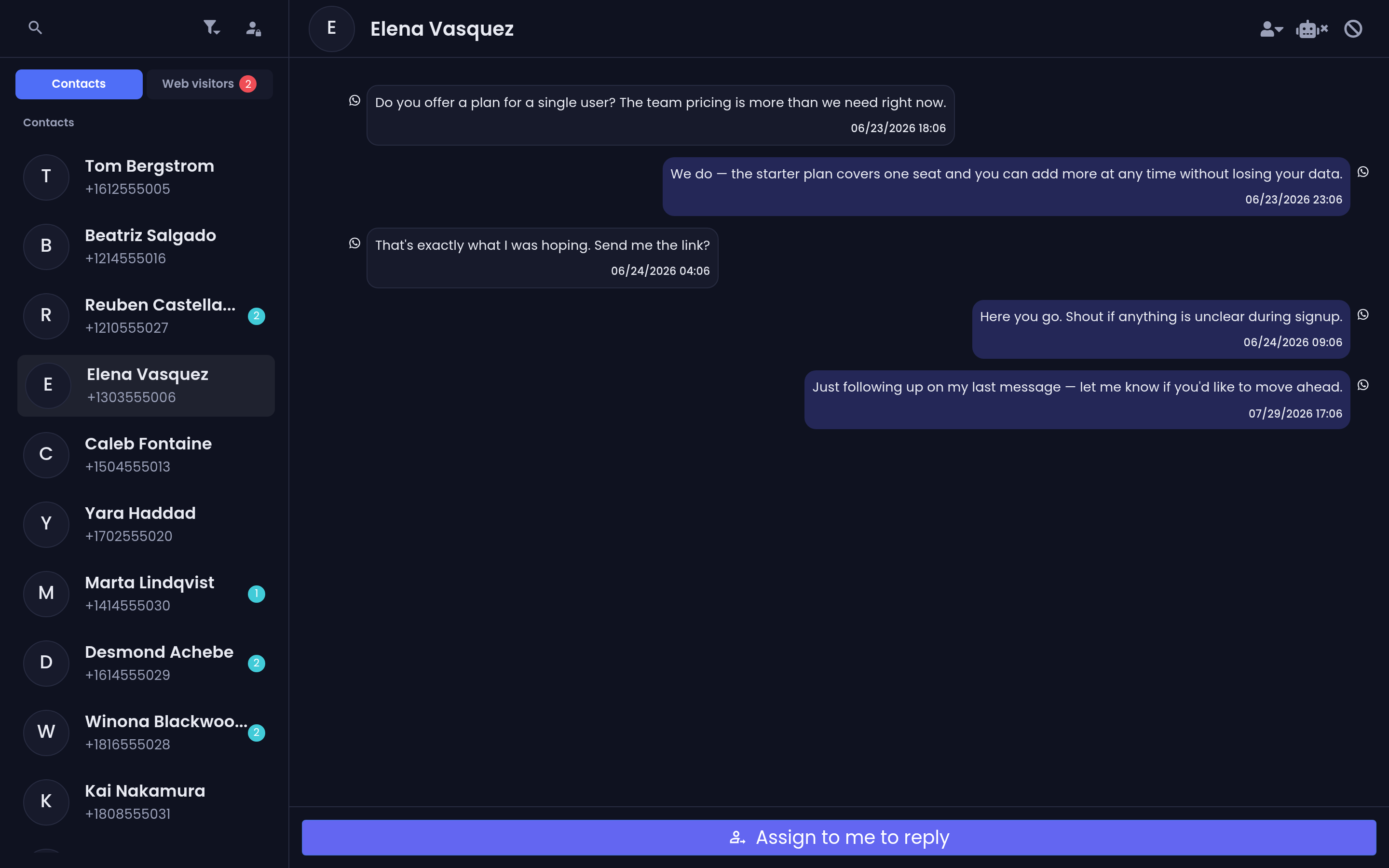
Messages you received sit on one side, messages you sent on the other, in time order regardless of channel. Each carries a small icon showing which channel it travelled on — email, SMS, WhatsApp or web.
A count beside a name in the list is that conversation’s unread messages.
Other markers worth knowing:
- A person icon on an outgoing message means a colleague sent it. Hover it to see Sender and their name.
- The reply arrow on any message quotes it in your next reply.
- When your account has more than one WhatsApp number connected, messages carry a small via followed by that number’s label, so you can see which of your numbers a conversation is running on.
#Sending a reply
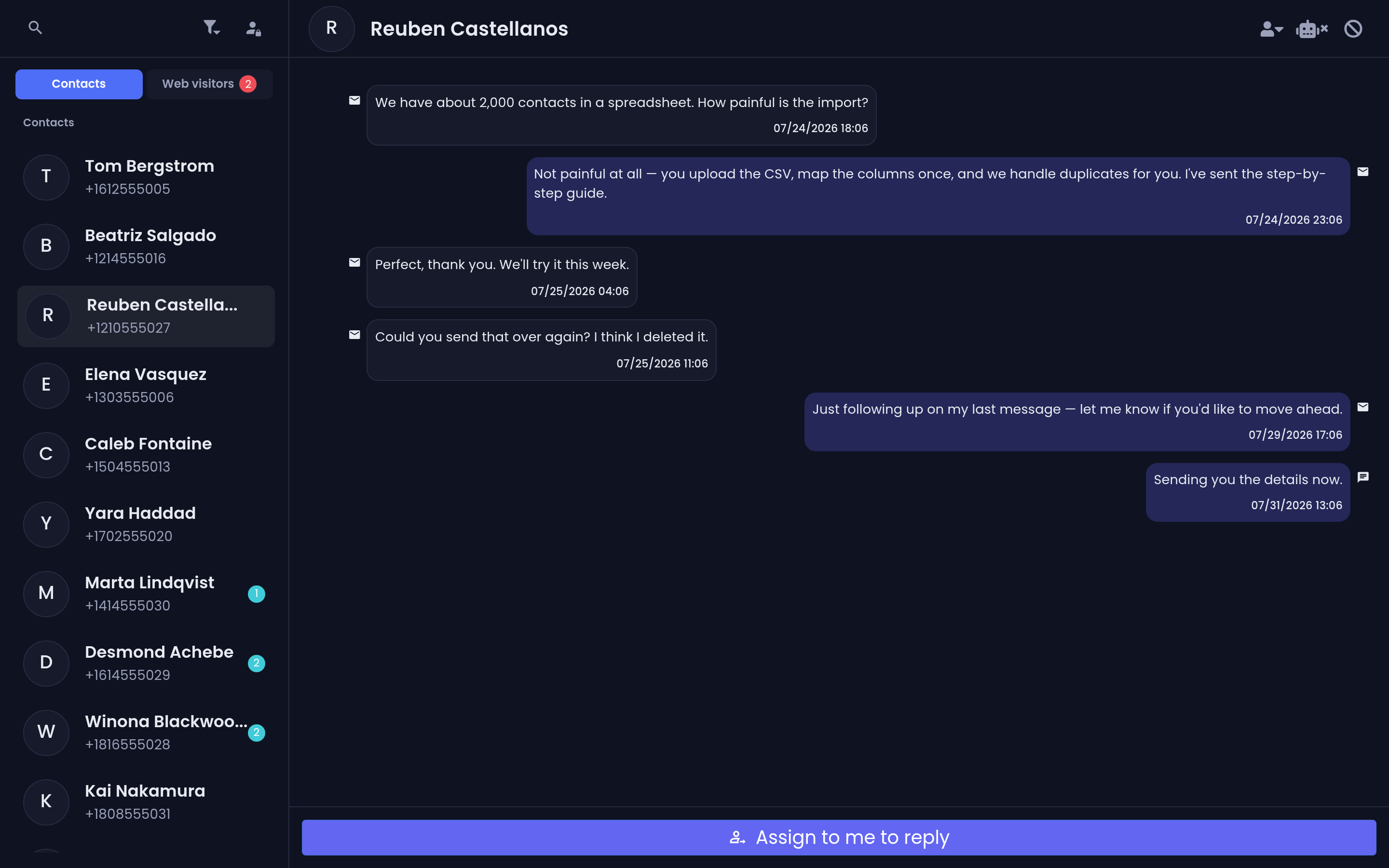
The dropdown to the left of the message box picks the channel: Email, SMS or WhatsApp. Type in the box and send.
Email is different from the other two — choosing Email opens the full Compose Email window, with a subject line, rich text, CC and BCC, and a template picker.
For WhatsApp you can also attach an Image, an Audio, a Video or a File.
#No channels connected
If your account has no channel at all, the message box is replaced by To send messages, connect a channel first with two buttons: Connect Email and Connect WhatsApp.
#Messages that failed
A message that could not be delivered stays in the thread with a red edge, the words Delivery failed and the time. Hover the warning icon and you get the actual reason, in plain language:
- WhatsApp connection is not active. Please reconnect it.
- Recipient phone number is invalid (missing country code or wrong format).
- Recipient phone number is not registered on WhatsApp.
- Recipient email address is invalid.
- Account is out of credits. Top up to send this campaign.
Fix the cause first, then use the Retry button under the message to send it again.
#Conversation controls
The buttons in a conversation’s header do the following:
| Button | What it does |
|---|---|
| Change lead owner | Reassign the lead to a member or a group |
| Disable automation / Enable automation | Take the bot off the conversation, or hand it back |
| Block Contact | Stop this person’s messages reaching your inbox |
| End Chat | Close the conversation |
End Chat asks End this chat? The lead will be unassigned from you. It appears only when the lead is currently yours.
The next two articles cover what those first two buttons really do: take over a conversation and assign leads.
#From the inbox to the lead
Every conversation has a lead behind it. The Open on Messenger button in the Leads list and on the pipeline board goes the other way, so you can move between the record and the conversation without searching twice.
Updated: