What a conversational form is
A page that asks one question at a time instead of showing a long form, and can change what it asks next based on the answers it already has.
A conversational form is a web page that asks your visitor one question at a time. They answer, the page moves on, and at the end you have a completed set of answers — and, if you want it, a lead in your CRM.
It is a normal public page with its own web address. Nobody has to install anything or sign in to use it.
#Why one question at a time
A contact form shows every field at once. A visitor sees ten boxes, decides it is too much work, and leaves. A conversational form shows one thing, so there is only ever one decision in front of them.
The second difference matters more: because the site collects each answer before it draws the next screen, it can change what it asks next. Someone who says they have 2 employees can be sent down a different path from someone who says they have 200 — different questions, a different closing screen, a different follow-up email.
A form cannot do that. It has to ask everyone everything.
#What it is made of
You build a conversational form out of three kinds of step.
| Step | What it does |
|---|---|
| Panel | A screen the visitor sees. It can show text, an image or a video, and it can ask for one piece of information. |
| Split | A fork in the road. It checks something you already know and sends the visitor down one of two branches. |
| Action | Something that happens behind the scenes with no screen — save the lead, send an email, tag the contact, call another system. |
Only panels are visible. Splits and actions run in between panels, so from the visitor’s side the site just moves from one question to the next.
#What happens to the answers
Every answer is stored under a name you choose — an identifier, such as
NAME or BUDGET. From that point on you can:
- show it back — “Thanks $NAME, here is what we suggest”
- branch on it — send everyone who picked Urgent down a different path
- send it — put it in an email, an SMS, or a call to another system
- save it — create or update a lead in your CRM
Answers are also kept per question, so you can open a site later and read every response side by side. See See what people answered.
#Scores
Options can carry points. Every time a visitor picks one, the points add up for that session, and you can branch on the running total or print it on the final screen. That is what turns the same building blocks into a quiz, a scorecard or a qualification test rather than just a form.
#Where you build one
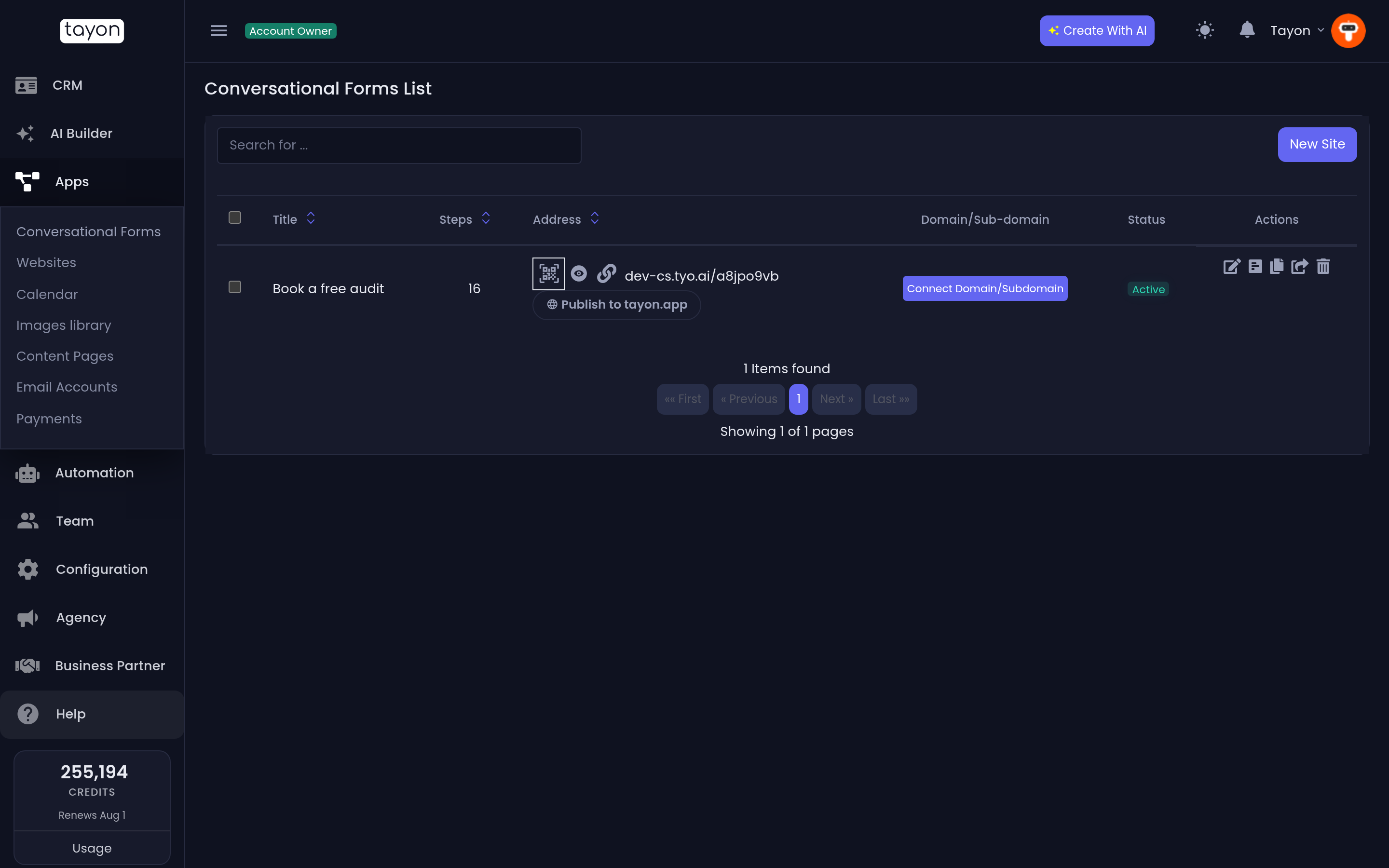
Sites are listed in the app under Apps → Conversational Forms, but the building happens in the Flow Designer — a separate visual canvas where each step is a box you can open, edit and connect.
AppsConversational Forms
#What it is not
- It is not a website. A conversational form is one flow of questions, not a set of pages with a menu. Websites are built separately.
- It is not a chat bot. A bot waits for someone to type; a conversational form drives the conversation and always knows what it is asking next.
#Next
Updated: