Sell online courses with e-Learning
What e-Learning gives you — courses with protected videos, quizzes and certificates, sold or given away in your own branded academy.
probusinessYou’ll need: The Pro plan or above. Team members need the e-Learning permission.
e-Learning turns Tayon into a course platform: you build courses with videos, text, quizzes and certificates, and your students learn in an academy that carries your name, colours and logo.
#Where to find it
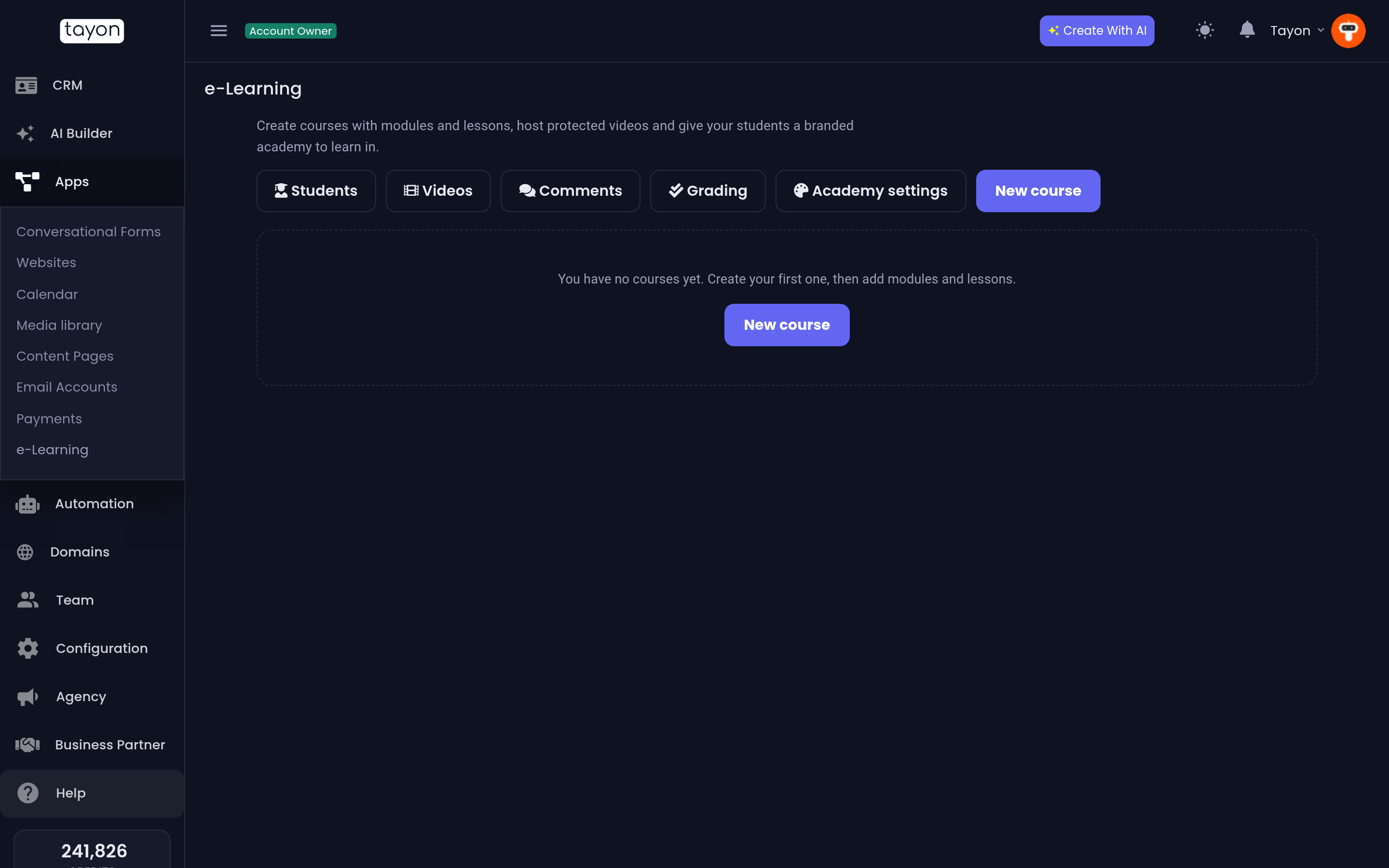
Appse-Learning
The e-Learning home lists your courses. Each card shows its cover, its status, how many lessons it has and how many students it has. Along the top you reach everything else:
| Button | What it opens |
|---|---|
| Students | Everyone who can sign in to your academy, across all courses |
| Videos | The protected videos you use in lessons |
| Comments | Lesson comments waiting for your approval |
| Grading | Essay answers waiting for a grade |
| Academy settings | Your academy’s name, address, colours, video protection and domain |
| View in academy | Your academy, as students see it |
| New course | Starts a course from a title |
#How a course is built
A course is made of modules, and each module holds lessons. A lesson can be a video, a page of text, or both, with downloadable materials. You can add a quiz after any lesson, at the end of a module, or as a final exam.
One account has one academy. All your courses live in it, at an address like
learn.tayon.app/your-academy, or on your own domain.
#How students get in
There are four ways to give someone a course:
- On the course page. Free courses have a sign-up form. Paid courses have a checkout, paid through your Stripe or Mercado Pago connection.
- By hand. Add a student from the course’s Students tab.
- From the CRM. Enroll every contact with a tag in one go.
- From a conversational form. The Enroll in Course action gives access as part of a flow — after a payment, for example.
Each new student gets an email with a link to start and to create a password.
#Who can use it
e-Learning is on the Pro plan and above. On lower plans the menu shows an upgrade notice instead.
The account owner always has full access. Team members need the e-Learning permission, which existing members do not have until you give it to them:
| Level | What they can do |
|---|---|
| View | See courses, students and videos, without changing anything |
| Edit | Build courses, upload videos and enroll students |
| Allow as administrator | Also change Academy settings and delete courses |
#What it costs
The plan includes e-Learning itself. Some things use credits from your balance:
- Course videos. Storage costs 5 credits per GB per day, and streaming costs 25 credits per GB your students watch.
- The AI tutor. Each answer uses AI credits.
#Where to go next
- Create your first course, or let the AI Builder write a draft for you.
- Set a price and a certificate.
- Brand your academy and publish.
Updated: