What a bot is, and the two ways to use one
A bot is a chat that answers your visitors and captures leads. It can live as a bubble on your website or as a page of its own — and both feed the same inbox.
A bot is a chat that talks to your visitors when you are not there. It answers questions, asks its own, and turns the useful conversations into leads.
Tayon calls it a Web Bot. It has three parts, and you will meet all of them:
| Part | What it is |
|---|---|
| The flow | What the bot says and asks, step by step |
| The web bot | How the chat looks — name, avatar, colours, behaviour |
| Its knowledge | What the bot knows about your business and how it should behave |
The quickest way to get all three at once is to let the AI Builder write them — see Build a customer service agent with AI. Everything below applies whether you built it that way or by hand.
#The two ways to put a bot in front of people
#As a bubble on your website
You paste one line of code into your site and a chat bubble appears in the corner of every page. Visitors click it and start talking without leaving what they were reading.
Use this when you already have a website, whether Tayon built it or not.
→ Add the chat widget to your website
#As a page of its own
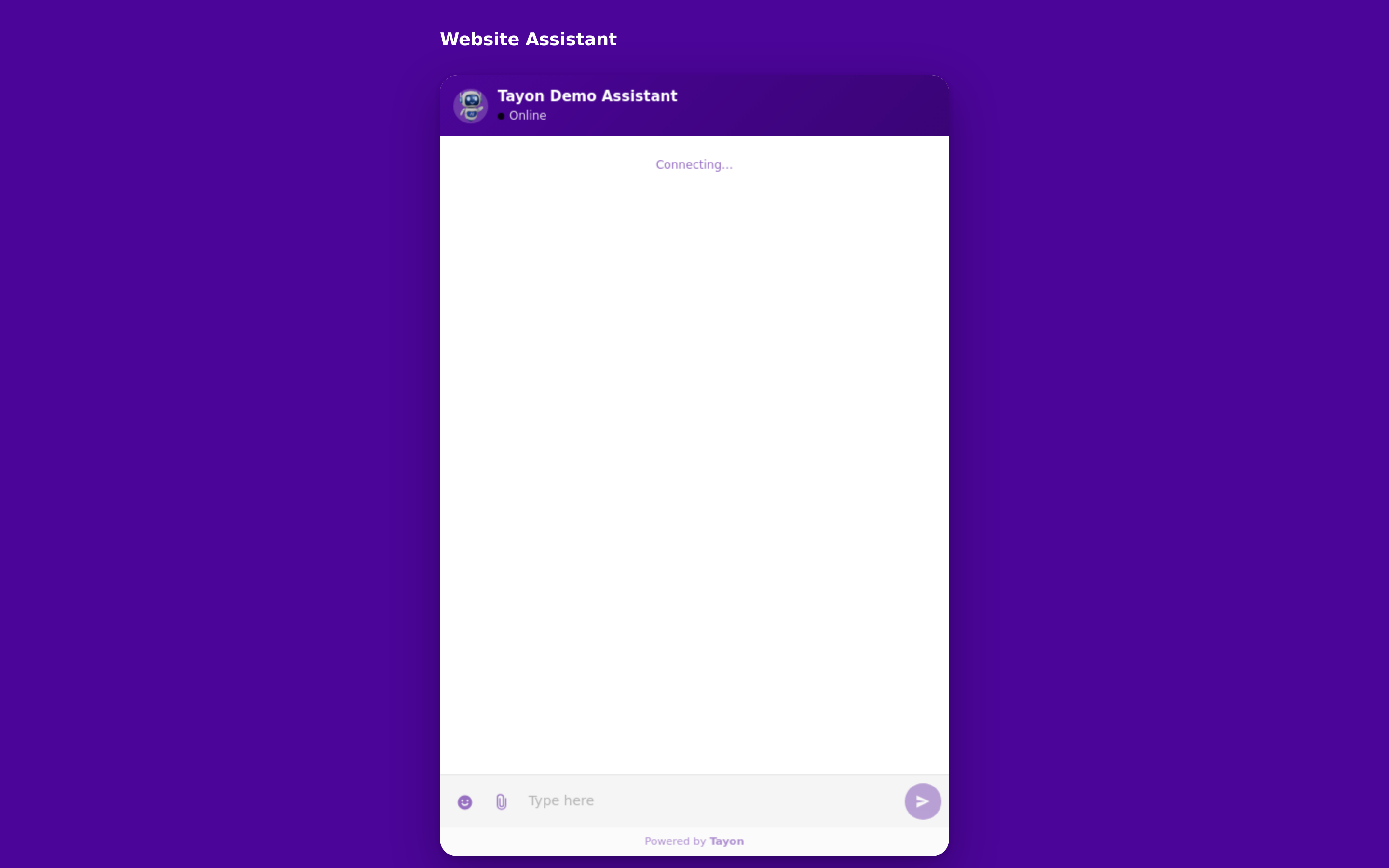
Tayon publishes the bot as a standalone page at its own address, with your logo, your colours and links to your legal pages. There is nothing to embed and no website required — you share the link, or a QR code of it.
Use this for a link in a bio, a printed flyer, an email signature, an ad, or when you have no site at all.
You can do both at once. The same bot can be a bubble on your site and a shareable page; they are two doorways to the same conversation.
#Where to find everything
AutomationBots
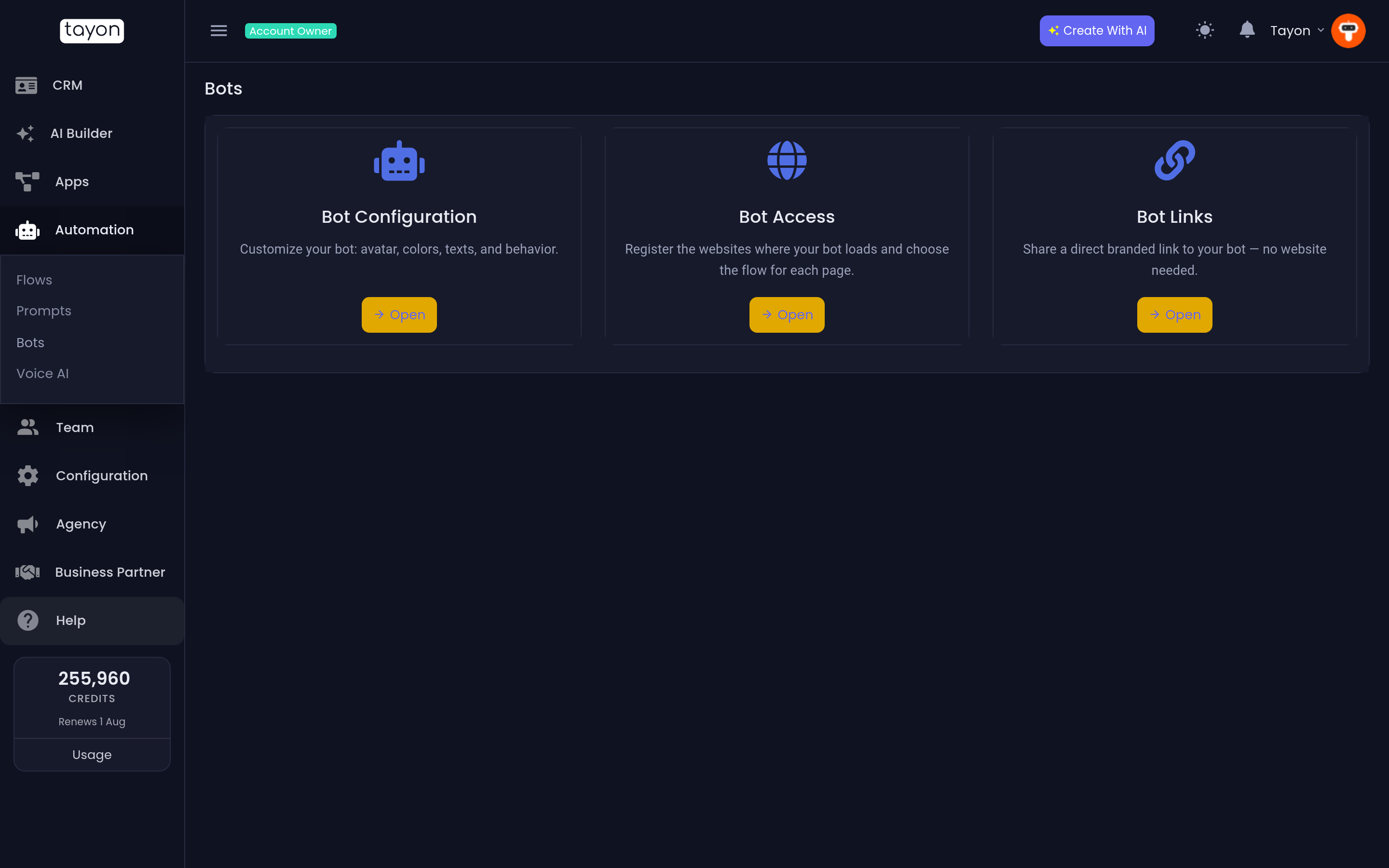
The Bots screen is a hub with three tiles:
| Tile | Opens | For |
|---|---|---|
| Bot Configuration | Web Bots List | The look and behaviour of each bot, and its embed code |
| Bot Access | Websites List | Which of your domains the bot may load on, and which flow runs on which page |
| Bot Links | Bot Links | Bots published as their own pages |
What the bot knows lives elsewhere, on the Prompts screen — see Give your bot knowledge.
#Where the conversations end up
MessengerWeb visitors
Every web chat appears in your Messenger under Web visitors, whether it came from the bubble on your site or from a bot page — the list tells you which with a Website or Bot link marker.
Most visitors are anonymous at first. As soon as the conversation captures an email or a phone number, Tayon links the whole thread — including the anonymous half — to that lead, and it also shows up on the lead’s own timeline in the CRM.
#Taking over from the bot
Open a web conversation and reply to it yourself. Doing so pauses the bot for that conversation and marks the thread LIVE; the visitor sees your name above your messages, so they know they are talking to a person.
Anything the visitor sends while you are handling it waits for you rather than being answered by the bot. When you hand the conversation back, the bot picks up everything that was said in the meantime instead of ignoring it.
#Limits worth knowing
- How many active bots you can have depends on your plan. Deactivating a bot frees its slot; a deactivated bot’s embed code silently does nothing rather than showing an error on your customers’ pages.
- A bot on a page answers in the language and voice you gave it, not automatically in the visitor’s language.
Updated: