Describe what you want so the builder gets it right
What each builder is listening for, what makes it offer the generate button, and the details that change the result most.
The build screen is a conversation, and how you hold it decides most of what comes back. This article is about what to put in it.
#Answer three questions in your first message
Whatever you are building, open with:
- Who it is for. “Homeowners in Austin”, “HR managers at companies with 50 to 500 staff”, “people who already bought the starter kit”.
- What you want them to do. Book an inspection. Request a quote. Reply with a date. This single sentence shapes the whole result — the layout of a website, the last step of a flow, the closing line of every follow-up.
- What makes you different. The 22 years, the free inspection, the same-week turnaround. Without it you get generic copy, because generic is all it was given.
Weak:
a website for my business
Much better:
A website for a family-run roofing company in Austin, Texas. We do repairs and full replacements, we have been going 22 years, and we offer free inspections. The site should push visitors towards booking an inspection.
#What each builder is listening for
Each of the four builders opens with a different welcome message, because each one needs different things from you.
| Building | Say this as well |
|---|---|
| Website | The feel you want, and any colour you must have. Attach your logo and photos. |
| Conversational Form | The questions to ask, how the answers should branch, and where the visitor should end up. |
| Customer Service Agent | Your website address, so the agent can read it, and what the agent should and should not handle. |
| Follow-Up Agent | The offer the sequence promotes, and the one action you want the lead to take. |
#Colours, when you care about them
Say the colour in the first message and say it plainly — “white and light green”, “deep navy and gold”, or a hex code. A stated colour preference overrides the builder’s habit of varying its palette from site to site, so it will be honoured rather than reinterpreted.
If you say nothing about colour, the builder picks a scheme that suits your industry and avoids the ones it used on your last few sites. That is usually the better outcome.
#Attach your logo and photos
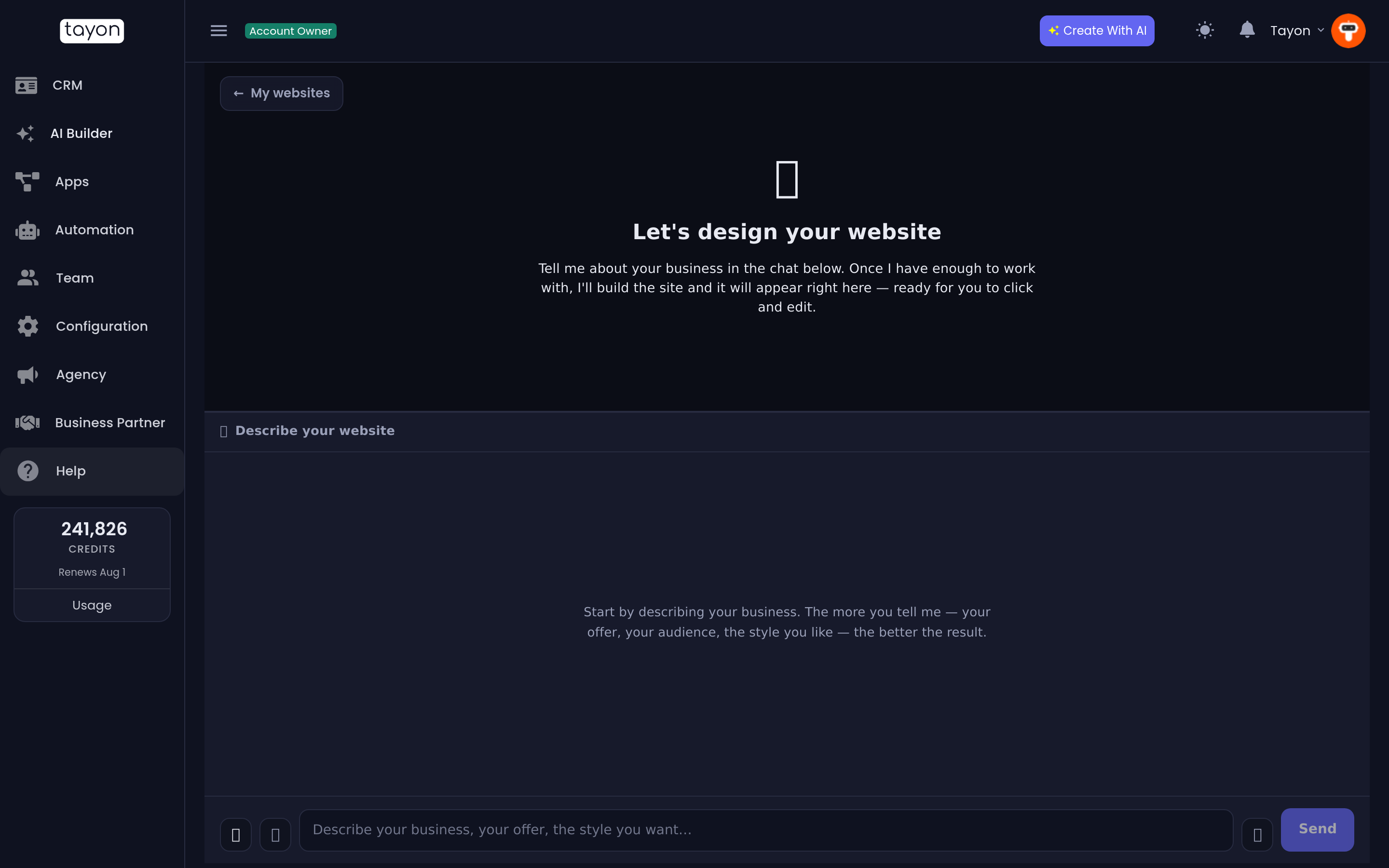
The website builder accepts image uploads in the chat. Use the paperclip.
- An image whose title contains logo is treated as your logo and is placed in the header instead of a text wordmark.
- Every other image is offered to the page sections as real content, so your own photos appear instead of generated placeholders.
- Images you attach are kept with the project, so they survive a regenerate.
#Dictate instead of typing
Every build screen has a microphone next to the message box. Press it, talk, press it again — the transcription lands in the message box for you to edit before sending. It is usually faster than typing a long brief, and long briefs are what you want.
#How to tell you have said enough
The panel above the chat changes. Instead of a placeholder it shows a card — Ready to build your website, Ready to build your flow, Ready to create your agent — with the generate button on it.
For the Customer Service Agent, the card only appears once you have been asked about your website and answered. “We do not have a website” is a perfectly good answer and unblocks it.
You are not obliged to press the button as soon as it appears. The most common reason for a disappointing result is generating at the earliest possible moment.
#When the result is not right
- Read what you actually typed. Nine times in ten the missing thing is missing from the brief.
- Fix small things by hand — three edits in the visual editor beat a regenerate.
- Regenerate only when the whole direction is wrong. It rebuilds from the conversation, so add the missing detail to the chat first.
Updated: