Save messages you send over and over
Build reusable email, SMS and WhatsApp templates, including ones with images and audio, and use them in the Messenger and in campaigns.
A template is a message you wrote once and can send any number of times. Every campaign is built from one, and the Messenger can drop one into a reply.
CRMTemplates
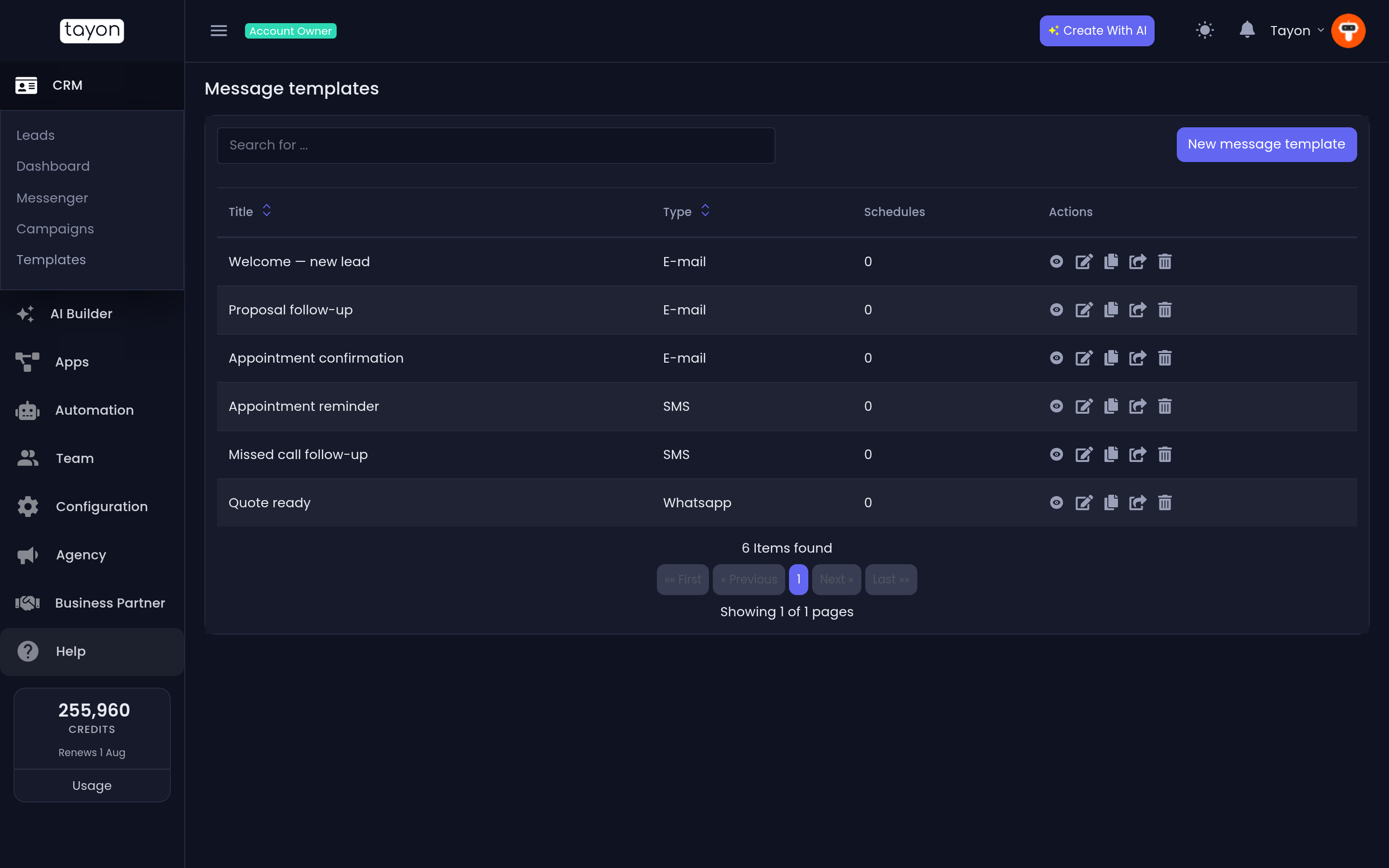
#Create one
- Choose New message template.
- Pick the channel: SMS, E-mail or Whatsapp.
- Choose Create end edit.
- Give it a Title, and for email a Subject.
- Build the message in the Template editor.
- Save.
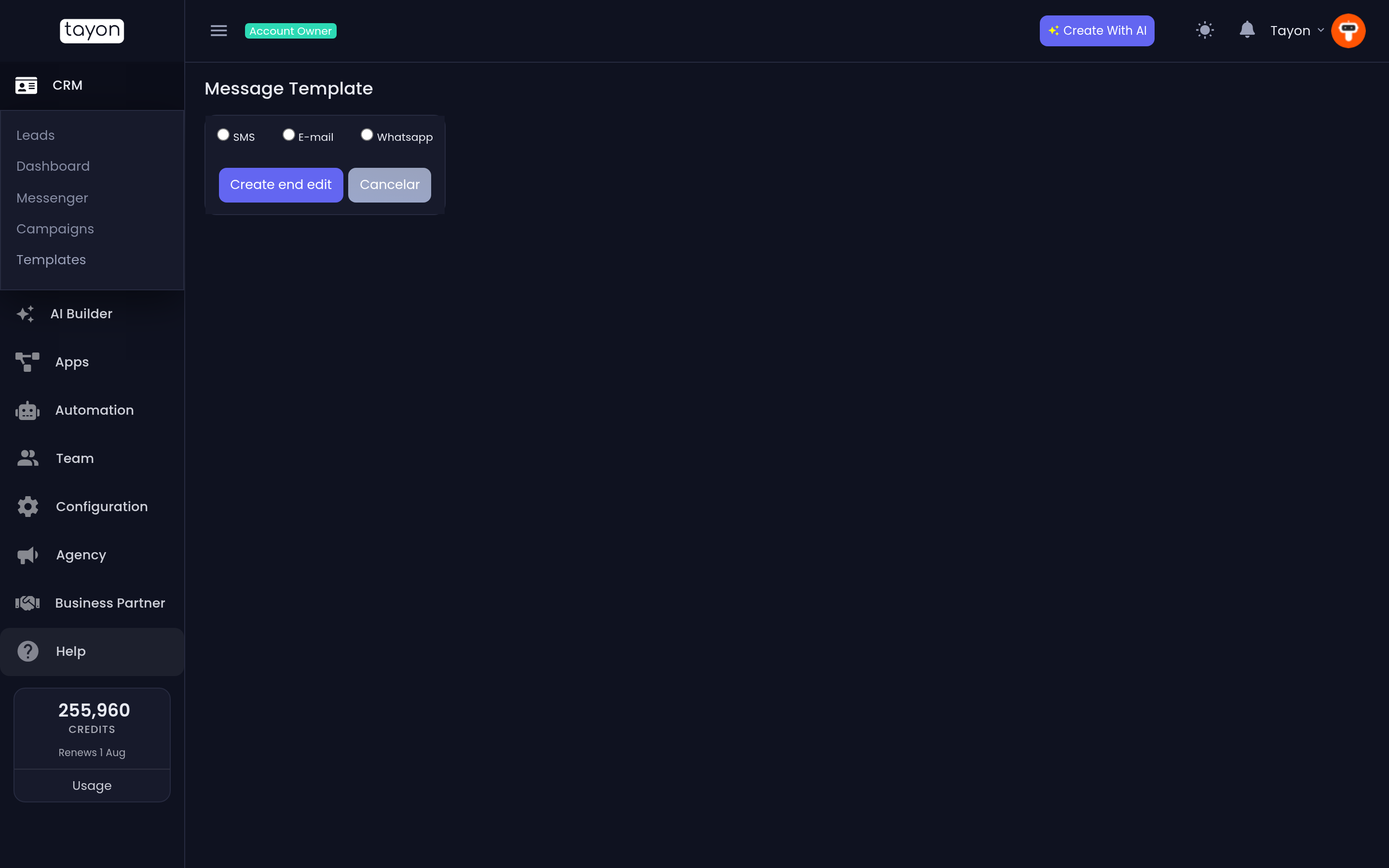
The channel is chosen first because it decides what the editor can do, and it is not something you change afterwards. If you need the same message on two channels, make two templates.
#What each channel can hold
| Channel | Content |
|---|---|
| A Subject and a formatted body | |
| SMS | Plain text |
| Any sequence of Text, Image, Audio, Video and File blocks |
WhatsApp templates are the interesting ones. Rather than a single body, you build a sequence of blocks, and they are sent in order — a photo followed by a line of text, or a voice note followed by a document.
Each block is added with its own button, and each has Choose file where it needs one. You can also record audio in the browser with Start recording and Stop recording, or take a photo with Open camera and Capture image.
Two validation messages catch the common mistakes: Need to send at least one message if you saved an empty template, and All messages must have a content if one of your blocks is blank.
#Reading the list
| Column | Meaning |
|---|---|
| Title | The template’s name |
| Type | Its channel |
| Schedules | How many scheduled messages and campaigns are using it |
Title and Type are sortable, and the search box filters by name.
That Schedules number is the one to check before you edit anything. It tells you how many live campaigns depend on this template.
#The row actions
- View message template — see it rendered, without opening the editor.
- Edit — change it.
- Duplicate — copy it. This is how you make a variant safely.
- Send message template to other user — share it with another Tayon account. Enter the email address of a user who owns an account.
- Delete.
#Using a template
In a campaign. The campaign editor has a Load Template (Optional) field listing the templates that match the channel you picked. Choosing one fills the message in; you can then edit it for that campaign without touching the template. See Schedule a message or run a campaign.
In the Messenger. The Compose Email window has a template picker, so a standard reply is two clicks rather than a paste.
#Writing them well
- Name templates by what they are for, not by what they say. Quote follow-up day 3 beats Hi there again.
- Keep SMS short. It is charged and read by length, and a long one is not one message.
- On WhatsApp, put the text block before the media. People read the sentence and then decide whether to open the attachment.
- Make one template per situation, not one clever template for several. The clever one always ends up wrong for all of them.
Updated: