See what people answered
Read every response to a conversational form as a table — one row per visitor, one column per question — and export it to a spreadsheet.
Every answer a visitor gives is kept, question by question, whether or not they finished and whether or not they ever told you who they are. The Responses screen lays all of it out as one table.
#Open it
- Open Conversational Forms.
- On the site you want, choose Responses.
AppsConversational FormsResponses
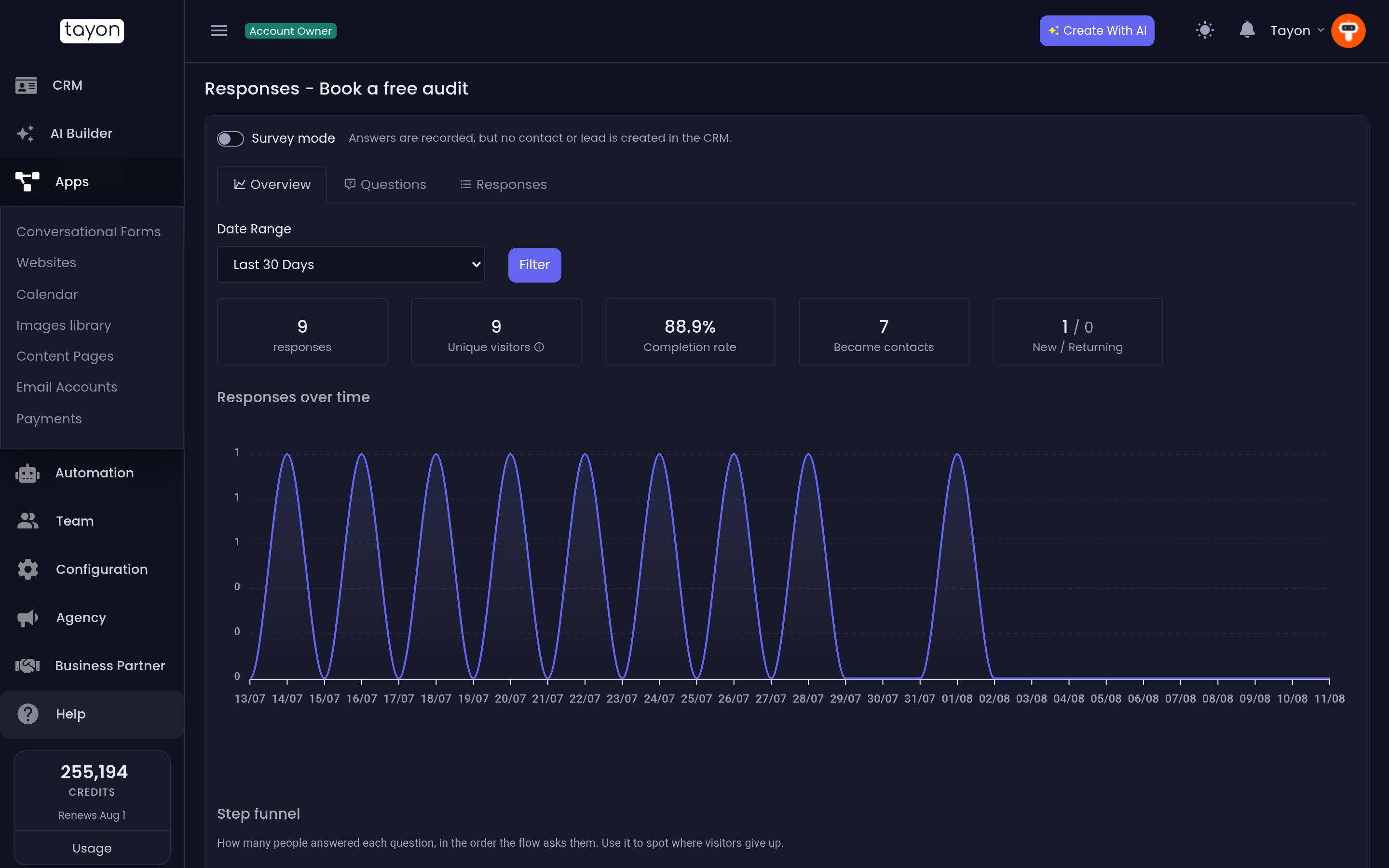
The screen is titled after the site itself — Responses - Book a free audit, for example — so you always know which one you are reading.
#How to read the table
| Column | What it holds |
|---|---|
| Date | When that visitor started. |
| Contact | Their name, or failing that their email or phone. If Tayon never matched them to a contact, this reads Anonymous. |
| One per question | The answer to that question. Blank means they never got that far, or skipped it. |
| Points | The score that session accumulated, if your options carry points. |
The question columns come from the site itself, in the order a visitor meets them. Steps that show something without asking anything do not get a column — only steps that collect an answer appear.
A count sits above the table: 16 responses, and so on. It reflects whatever filters you have applied, so it is also your answer to “how many people did X”.
#Anonymous rows are not a bug
Most rows will be anonymous, and that is normal. Someone can answer three questions and leave before the screen that asks for their email. Tayon has no way to name them — but it still has their answers, and those answers still count.
This is exactly the information a lead list cannot give you: what people said before they decided whether to identify themselves.
#Narrow it down
Four controls sit above the table:
| Control | Use it to |
|---|---|
| Initial Date / Final Date | Limit the table to a period — a campaign week, last month. |
| Type | All, Anonymous only, or Linked to a contact. |
| Export to CSV | Download exactly what the filters are showing. |
Anonymous only is the useful one for finding drop-off: filter to it and read down the columns. The question where the answers stop being filled in is the question that is losing you people.
#Export to a spreadsheet
Choose Export to CSV. The download honours your filters and includes every question column, so you can pivot, chart or hand it to someone else without giving them access to Tayon.
#What you will not find here
There is no chart of per-step drop-off, and no funnel view. The way to read drop-off today is the one above: filter, then look for the column where the answers run out.
#Empty states
| Message | Why |
|---|---|
| This flow has not been published yet, so it has no responses to show. | The site has never been live, so nobody could have answered it. Publish it first. |
| This flow has no questions that collect an answer. | Every step shows something but none of them asks for anything. Add a question step. |
| No records found | The site is live and asks questions, but nothing matches your current filters. Widen the dates, or set Type back to All. |
Updated: